
Accessing Student One View at VMOU: Scholar Number Search and DEB ID
VMOU learners access their profile on the VMOU Student One View portal by entering their scholar number and date of birth. Applicants can also search for a forgotten scholar number by full name or track fresh admission status.
- VMOU Student One View requires a scholar number and applicant date of birth to display profile details.
- Learners can retrieve a VMOU scholar number by submitting their full name on the Student One View page.
- Fresh VMOU applicants track admission status using a registration number and date of birth on the admission portal.
- Distance education learners must create a mandatory DEB ID using an ABC ID before taking VMOU admission.
Page contents
- How do I log into VMOU Student One View using a scholar number?
- How do I search for a VMOU scholar number by name?
- How do I track fresh VMOU online admission status?
- How do VMOU learners create a DEB ID using an ABC ID?
- How do VMOU learners update details on an existing DEB ID?
- Important VMOU links
- VMOU FAQs
- More on Student Services
Quick reference
| Portal Name | VMOU Student One View |
|---|---|
| Login Credentials | Scholar Number and Date of Birth |
| Search Option | By Applicant Name |
| Fresh Status Credentials | Registration Number and Date of Birth |
| Mandatory Requirement | DEB ID linked with ABC ID |
How do I log into VMOU Student One View using a scholar number?
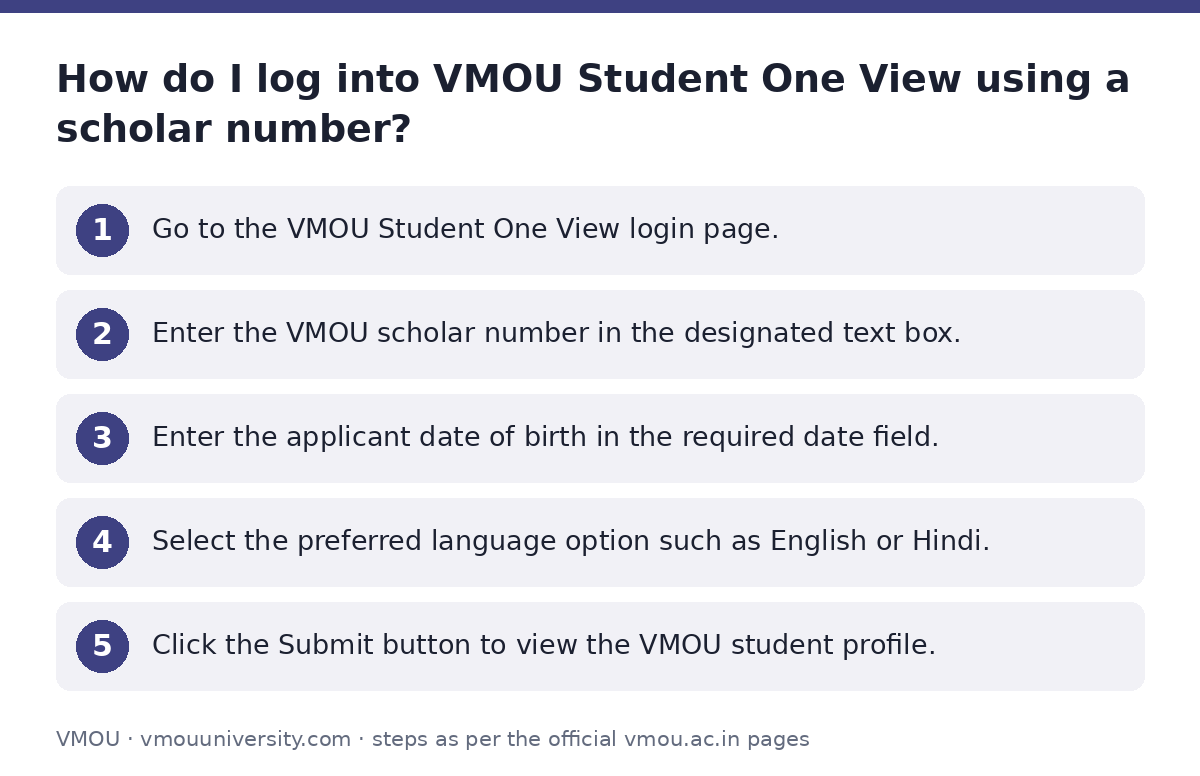
Learners log into VMOU Student One View by entering their scholar number and date of birth on the official portal. The portal provides details regarding admission status, enrolled subjects, and academic progress.
- Go to the VMOU Student One View login page.
- Enter the VMOU scholar number in the designated text box.
- Enter the applicant date of birth in the required date field.
- Select the preferred language option such as English or Hindi.
- Click the Submit button to view the VMOU student profile.
How do I search for a VMOU scholar number by name?
Learners search for a VMOU scholar number by name through the search tool on the Student One View portal. This option helps students who do not remember their assigned scholar number.
- Open the VMOU Student One View portal.
- Click on the Search Scholar No. By Name option.
- Type the full applicant name into the text box.
- Click the Search button to generate the list of matching student names.
- Locate the correct name in the list and click on the associated VMOU scholar number to submit.
How do I track fresh VMOU online admission status?
Fresh applicants track VMOU online admission status by entering their registration number and date of birth. This tracking portal applies specifically to fresh distance admissions at Vardhman Mahaveer Open University.
- Access the VMOU track admission status page.
- Enter the assigned registration number in the Registration No. field.
- Select or type the applicant date of birth.
- Alternatively, enter the full name in the Search Your Scholar No. field.
- Click the Submit button to check the fresh admission status.
How do VMOU learners create a DEB ID using an ABC ID?
VMOU distance and online learners create a Distance Education Bureau ID by linking their Academic Bank of Credits ID. University Grants Commission guidelines mandate a valid DEB ID for all open and distance learning admissions.
- Create an Academic Bank of Credits ID through a DigiLocker account.
- Visit the official DEB ID portal.
- Enter the ABC ID along with Aadhaar name, birth year, gender, and authentication mode.
- Fill in the consent details, captcha code, mobile number, and email address.
- Click Submit to generate the unique DEB ID for VMOU admission.
How do VMOU learners update details on an existing DEB ID?
VMOU learners update details on an existing DEB ID after verifying and correcting their APAAR card or ABC ID information. Any discrepancy in name, date of birth, or gender must be rectified before submitting updates on the DEB portal.
- Inspect the APAAR card or ABC ID for missing details or errors.
- Raise a ticket on the ABC Support Ticket System or correct details using the DigiLocker app.
- Confirm that the corrected APAAR card details are updated.
- Navigate to the DEB details update page and submit the corrected information.
Important VMOU links
| What you can do | Official page |
|---|---|
| Access VMOU Student One View portal | online.vmou.ac.in/Admission_Statusway.aspx |
| Track fresh VMOU admission status | online.vmou.ac.in/OnlineAdmission_Statusway.aspx |
| Register for UGC DEB ID | deb.ugc.ac.in/StudentDEBId |
| Create ABC ID via DigiLocker | digilocker.gov.in/login/ |
| Update existing DEB ID details | deb.ugc.ac.in/StudentDEBId/UpdateDebDetails |
VMOU FAQs
How do I log into VMOU Student One View?
Learners log into VMOU Student One View by providing their scholar number and date of birth on the portal. They can also choose Hindi or English as their display language.
What should I do if I forget my VMOU scholar number?
Learners can retrieve a forgotten VMOU scholar number by entering their full name in the search tool on the Student One View page. Selecting the correct name from the search list reveals the scholar number.
How can fresh applicants check their VMOU admission status?
Fresh applicants check their VMOU admission status by entering their registration number and date of birth on the online admission status page. They can also search by applicant name.
Is a DEB ID mandatory for VMOU distance learning programs?
Yes, a DEB ID is mandatory for learners enrolling in VMOU open and distance learning programs. It remains valid across the student’s distance learning cycle.
Can I create a DEB ID without an ABC ID?
No, learners cannot create a DEB ID without a valid ABC ID. The ABC ID must first be generated through a DigiLocker account.
How do I resolve discrepancies in my ABC ID or APAAR card?
Learners can resolve ABC ID discrepancies through the ABC Support Ticket System or DigiLocker app. They can also call the ABC support call center at 18008893511.