
VMOU Student Login: Enrolment Number, ABC ID and DEB ID
VMOU distance learners can check their admission status and view student records using their scholar number (enrolment number) or full name along with their date of birth. Enrolment in ODL and online programmes requires generating a mandatory DEB ID using an ABC ID created via DigiLocker. Both ABC ID and DEB ID remain valid throughout the lifecycle of distance learning.
Key facts
| One View Search Criteria | Scholar Number or Applicant Name & Date of Birth |
|---|---|
| DEB ID Requirement | Mandatory for all ODL and Online programmes |
| Prerequisite for DEB ID | Valid Academic Bank of Credits (ABC) ID |
| DEB ID Portal | deb.ugc.ac.in |
| DEB ID Validity | Entire lifecycle of ODL/OL learning |
| ABC Support Call Center | 18008893511 |
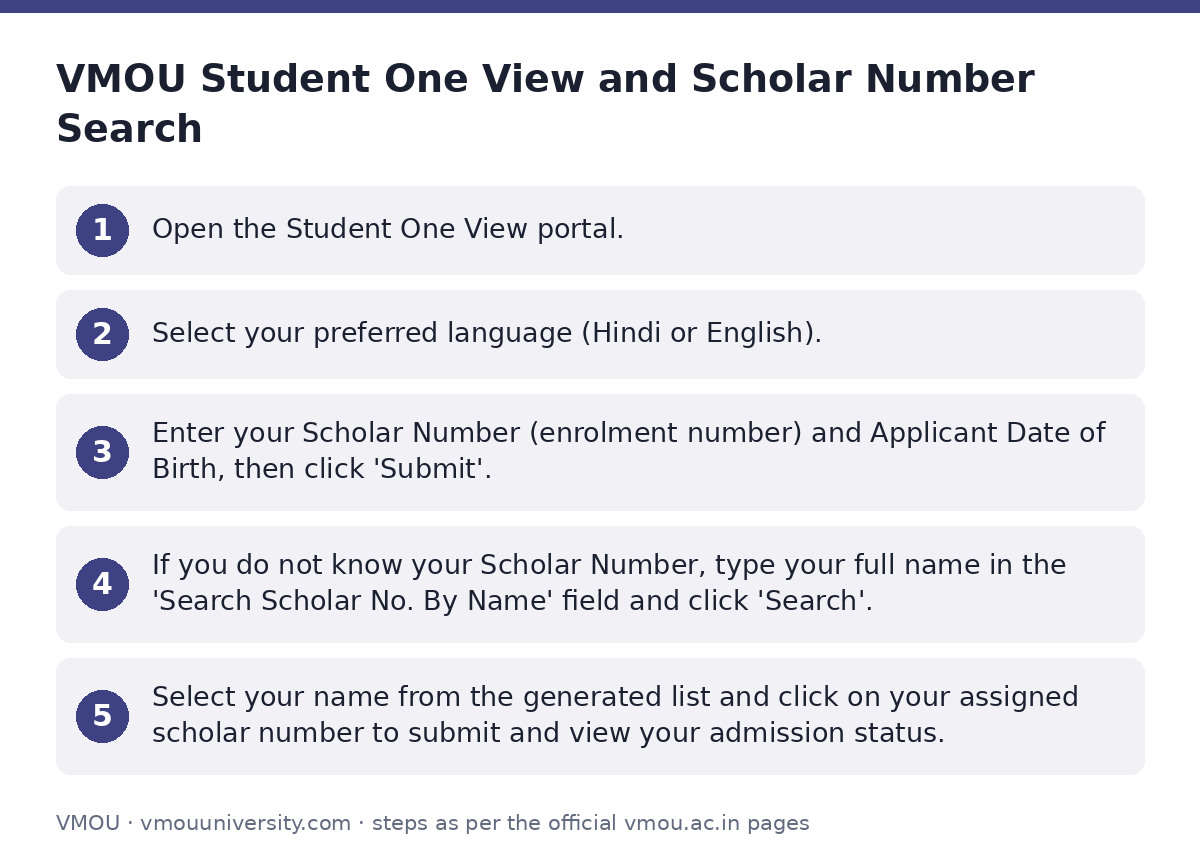
VMOU Student One View and Scholar Number Search
Learners can track their admission status and academic profile through the VMOU Student One View portal. Fresh applicants can also track registration status on the VMOU fresh admission status page.
- Open the Student One View portal.
- Select your preferred language (Hindi or English).
- Enter your Scholar Number (enrolment number) and Applicant Date of Birth, then click ‘Submit’.
- If you do not know your Scholar Number, type your full name in the ‘Search Scholar No. By Name’ field and click ‘Search’.
- Select your name from the generated list and click on your assigned scholar number to submit and view your admission status.
Creating ABC ID via DigiLocker
An Academic Bank of Credits (ABC) ID is compulsory before creating a DEB ID. Students must create their ABC ID using their DigiLocker account on the DigiLocker login portal.
- Log in to your DigiLocker account using your registered credentials.
- Generate or retrieve your unique ABC ID / APAAR card details.
- Verify that your name, date of birth, and gender match your official documents before using the ABC ID for DEB registration.
Generating DEB ID on the UGC Portal
A DEB ID is a unique identification mandatory for all learners taking admission in ODL or Online programmes. It ensures admission is taken in UGC-recognized institutions and approved programmes. Register for a DEB ID on the UGC DEB ID creation portal.
- Open the DEB portal and enter your ABC ID.
- Enter your Aadhaar Name, Birth Year, and select your Gender (Male, Female, or Transgender).
- Provide Provider details and choose a Provider Authentication Mode (UID, PAN Card, Passport, EPIC, or Driving License) along with the Provider Authentication ID.
- Fill in Consent Relation and Consent Place.
- Enter your valid Email ID and Mobile Number.
- Check the agreement box (‘chk IAgree One’), enter the captcha code, and click ‘Submit’.
Steps to Correct APAAR/ABC Details and Update DEB ID
If there are errors in your APAAR/ABC card or if an existing DEB ID needs correction, complete the correction process prior to DEB ID creation or update your details on the DEB details update portal.
- Check your APAAR/ABC card for mistakes in your name, date of birth, gender, or other details.
- To report discrepancies in your ABC ID or APAAR ID, use the ABC Support Ticket System, the DigiLocker app, or call the ABC support call center at 18008893511.
- Confirm that the corrections are reflected and your APAAR card is updated.
- Once verified, proceed to update your DEB ID details on the official update page.
Important VMOU links
| What you can do | Official page |
|---|---|
| Check VMOU Student One View status | online.vmou.ac.in/Admission_Statusway.aspx |
| Track fresh admission status | online.vmou.ac.in/OnlineAdmission_Statusway.aspx |
| Log in to DigiLocker for ABC ID | digilocker.gov.in/login/ |
| Create UGC DEB ID | deb.ugc.ac.in/StudentDEBId |
| Update existing DEB ID details | deb.ugc.ac.in/StudentDEBId/UpdateDebDetails |
| Read official FAQs on DEB ID | deb.ugc.ac.in/StudentDEBId/FAQ |
| Read about DEB ID guidelines | deb.ugc.ac.in/StudentDEBId/About |
Official documents (PDF)
- RSD-Learner Support Centers-2025-26.pdf PDF — List of Learner Support Centers for 2025-26 session
Frequently asked questions
Can I enrol in a VMOU distance programme without a DEB ID?
No, students cannot enrol in any ODL or Online programme without a valid DEB ID. Creating a DEB ID on the UGC portal is mandatory.
Is an ABC ID mandatory to create a DEB ID?
Yes, a DEB ID cannot be created without an ABC ID. Learners must first create their ABC ID using their DigiLocker account.
How can I search for my VMOU Scholar Number if I do not remember it?
You can search for your scholar number by entering your full name in the ‘Search Scholar No. By Name’ field on the VMOU Student One View portal.
What is the validity period of a DEB ID?
Once created, a DEB ID is valid across the entire lifecycle of a student’s ODL or Online mode of learning.
Which identity documents can be used for DEB ID provider authentication?
You can select UID (Aadhaar), PAN Card, Passport, EPIC (Voter ID), or Driving License for identity provider authentication during registration.
How can I resolve discrepancies in my ABC or APAAR ID?
Discrepancies can be resolved using the ABC Support Ticket System, the DigiLocker app, or by calling the ABC helpline at 18008893511.
Can I enrol in two academic programmes simultaneously using a DEB ID?
Yes, students can take admission simultaneously in two academic programmes in accordance with UGC regulations.
What are the helpline contacts for DEB ID queries?
For queries regarding DEB ID, you can email debtwo118@gmail.com or call 011-23604-664 or 011-23604-666 between 10:00 and 17:00 IST.
Sources
Written from the official VMOU pages and documents below, as read on 2 October 2026.
- DEB ID deb.ugc.ac.in/…/StudentDEBId
- STUDENT ONE-VIEW online.vmou.ac.in/…/Admission_Statusway.aspx
- TRACK ADMISSION STATUS online.vmou.ac.in/…/OnlineAdmission_Statusway.aspx
- FAQs — DEB ID deb.ugc.ac.in/…/FAQ
- About DEB ID — DEB ID deb.ugc.ac.in/…/About
- ABC ID — DEB ID deb.ugc.ac.in/…/ABCID